


FAZUA Firmware
Update your Bike. Upgrade your Experience.
We took a little ride and upgraded our firmware to the latest version. Get our current update now and enjoy ultimate smooth riding pleasure with FAZUA.
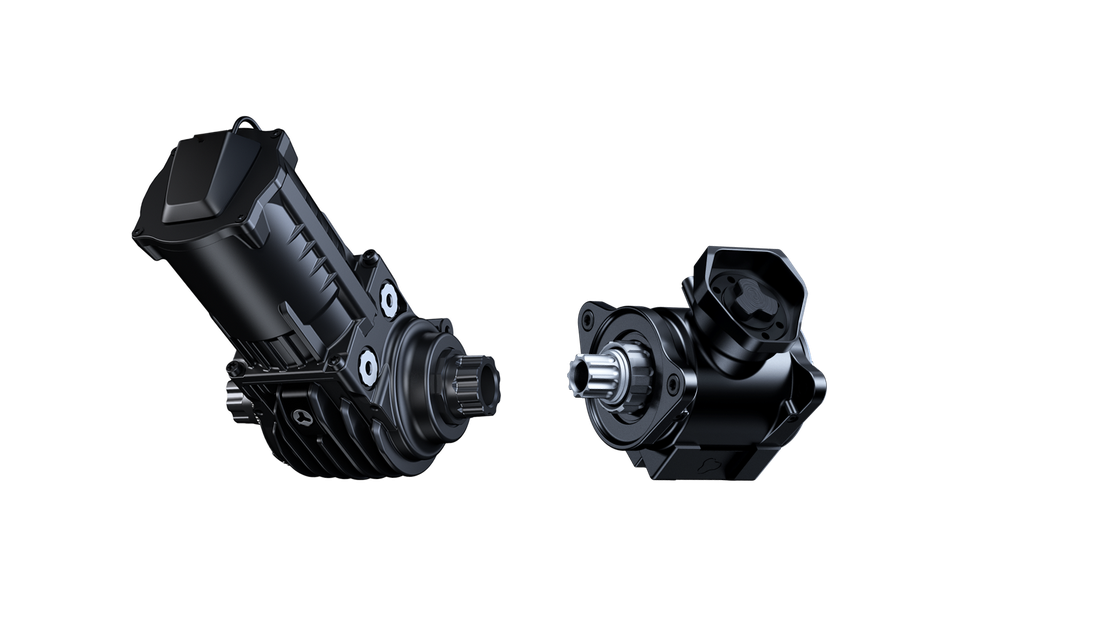
The FAZUA firmware is largely responsible for the support level and functionality of your e-bike. Keep the FAZUA e-bike up-to-date and update the FAZUA firmware of your FAZUA RIDE 50 or RIDE 60 drive system.
⚠️ At first download the latest version of the FAZUA Toolbox Software in order to guarantee full compatibility between the FAZUA e-bike and the FAZUA firmware. Learn more about how to perform a firmware update for the FAZUA RIDE 60 or FAZUA RIDE 50.
Downloads
KickOverrun
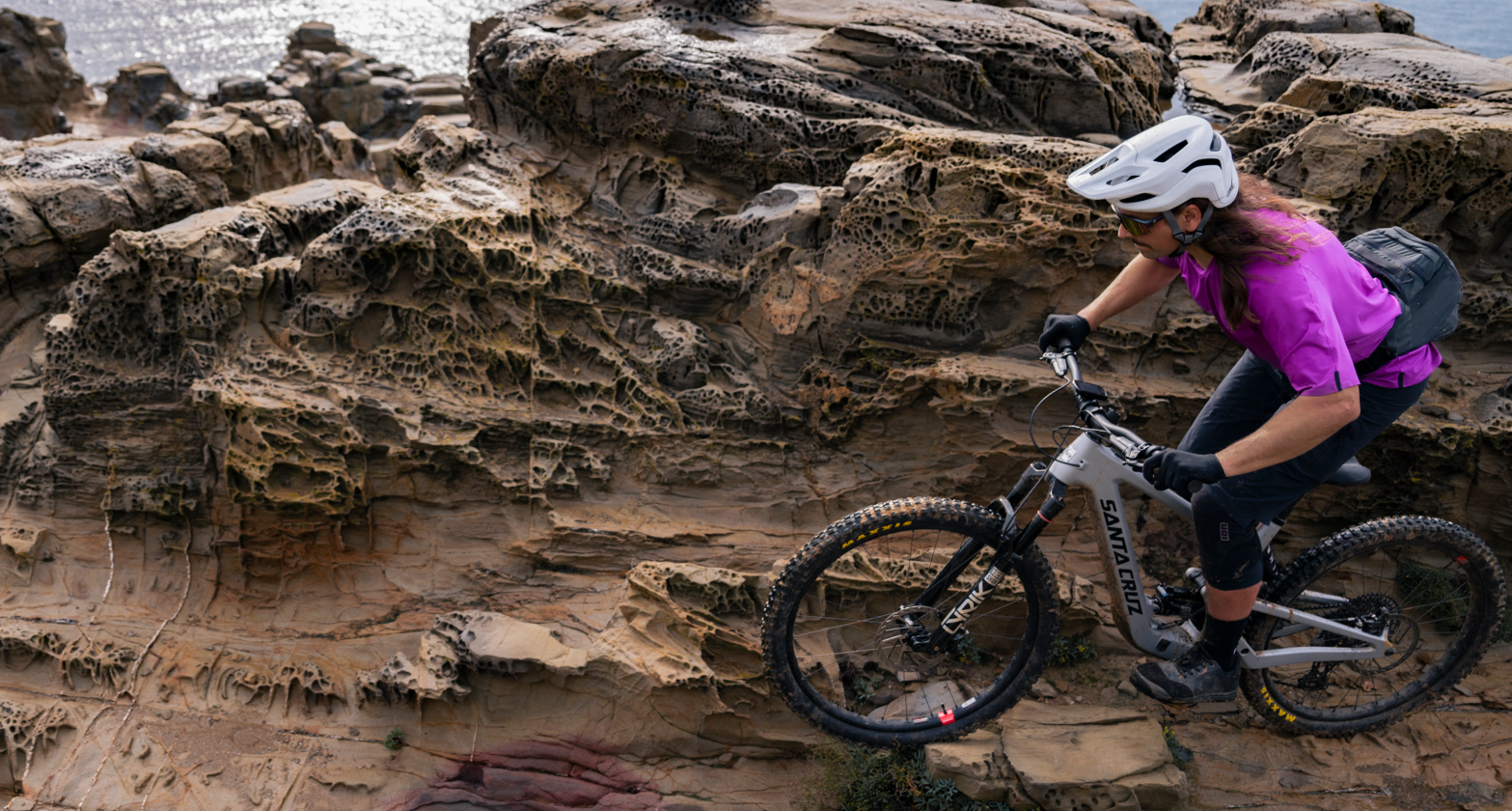
The FAZUA KickOverrun is here - giving you more control and riding fun, especially on the trail. This new feature is part of the latest FAZUA Ride 60 Rider Bundle release and noticeably boosts your control in technical sections. Your ride becomes more direct and even more dynamic.
Changelog
FAZUA RIDE 60
Each new Firmware bundle includes new features as well as bug fixes. The latest firmware versions and changes for riders are listed here.
Firmware Bundle 17
-
For an even more personalized riding experience, the FAZUA KickOverrun is now available as an option and can be enabled or disabled at any time in the Toolbox.
When is it recommended to enable it?
We recommend enabling it only for E-Bikes that are regularly used off paved trails and on technically challenging terrain. If you’re an E-Mountain bike rider looking for more control and added riding fun on demanding uphill trails, the KickOverrun feature is ideal for you.
When is deactivation recommended?
If you ride primarily in urban areas and prefer the natural riding behavior of a classic bike, we recommend deactivation. To make the setting as easy as possible for you, the FAZUA KickOverrun is disabled by default after updating to Firmware Bundle 17 on bikes in Urban configuration.
Since enabling it can lead to increased wear on mechanical components, we recommend that you keep it disabled.
Please note:
- If you update from Firmware Bundle 11 or older to Firmware Bundle 17, as well as on bikes in Urban configuration, FAZUA KickOverrun is disabled by default.
- When updating from Firmware Bundle 12 or newer to Firmware Bundle 17, the feature remains in Mountain Bike configuration automatically enabled.
- In the Toolbox under Configuration, you can view the status at any time and easily enable or disable the feature. To ensure the correct status is displayed after your update, the Toolbox configuration page must be refreshed.
-
The walk assist has been optimized so that your bike responds even more smoothly and provides more stable support. This feature is equally suitable for mountain biking and urban riding.
-
Various minor bugs have been fixed. Among other things, the battery charge level behaviour has been improved. To ensure optimal battery reading, you may need to charge the battery to 100% after the firmware update.
Overall, your system now runs even more stably and reliably – for top power without interruptions.
Firmware Bundle 12 (included in Firmware Bundle 17)
-
With the FAZUA KickOverrun, the support from the motor remains active for longer after you stop pedalling. The support is activated by a short pedal kick and gives you the momentum you need to overcome technical passages or obstacles - without any further pedalling. This is a real advantage, especially on rough, challenging trails: you don't have to force the pedal if there is no room for it. Instead, a minimal movement gives you the power you need to master every key section with full control.
-
The revised torque sensor now calibrates itself automatically every time it is switched on. The system automatically adapts to the current conditions. For you, this means: more precise control and a more sensitive riding feeling thanks to the more sensitive sensor.
-
Internal temperature sensors automatically recognise how warm or cold it is and compensate for these differences directly. This ensures that the riding feeling is maintained despite temperature-related deviations in pedal pressure. So you always get the same level of support - whether it's 5 °C in the morning or 35 °C in the sun.
-
The time during which the system remains activated after switching off has been extended from 5 to 10 minutes. Even after short stops, you can now continue riding directly without having to restart the bike.
-
The motor starts more sensitively: It starts immediately as soon as you apply pressure to the pedal and switches off just as smoothly when you stop. The result: a natural, intuitive start without any noticeable delay and an equally smooth coasting for an even more natural riding experience.
-
Even if you don't pedal as hard, the drive unit now reacts even more sensitively. This keeps your ride intuitive, direct and harmonious - in every mode on every trail.
-
The light remains de-activated during the charging process of the FAZUA Energy 480 to ensure a more stable charging process and a safe energy supply.
-
Unintentional changes to the Support level, e.g. due to strong vibrations, are better prevented.
-
Various minor bug fixes. The system is now even more stable and reliable - for the best performance without interruptions.
FAZUA RIDE 50
Firmware Bundle 29
-
Motor firmware 2.50, HMI firmware 2.40 (for all HMIs) - as combined bundle .029 is now unified for all FAZUA RIDE 50 systems
-
Boost function with 350W maximum motor power now also available for Evation Drivepacks!
How does it work?
- To activate the Boost function, press and hold the top button on your Remote for 2 seconds while an assist level is selected.
- When activating the Boost while standing, the Boost will be active for 4 seconds, when activating while riding, it will be active for 12 seconds.
- The active Boost function will be indicated by flashing LEDs in the color of the currently selected assist level.
- When riding while Boost is activated, the user can extend the Boost duration (12 seconds) by activating it again. If the Boost is activated again during those 12 seconds, another 12-second Boost interval starts immediately. For example, if activating the Boost again after 8 seconds, the user will have a total Boost duration of 20 seconds. This reactivation can be repeated with no restriction.
Notes
- FAZUA RIDE 50 Trail/Street firmware 2.22 already included the Boost function.
- Significant improvement (compared to v 2.22): the support is much more sensitive, consistent and natural if the user pedals lightly while Boost is activated.
- If the Boost is activated while the bike is stationary, the rider has 2 minutes to start pedaling with the Boost activated. After 2 minutes, the Boost is automatically deactivated.
- Now, it is also possible to deactivate the Boost manually while stationary by using the same control (shifting up and holding for 2 seconds).
-
Improved riding behavior: reducing the torque sensor offset by over 75% results in a significantly smoother, more sensitive and more consistent support behavior of the motor, especially when pedaling lightly.
Note
This improved motor support during easy pedaling can result in higher energy consumption. This increased energy consumption can be compensated, however, by increasing the Support Relation or reducing the Maximum Power.
-
Improved, smoother motor behavior in 4 different scenarios:
- riding with constant pedaling power
- lightly pedaling at low torque
- with low Support Relation and high Maximum Power settings (like Rocket Mode) the support is much more consistent
- when accelerating, the motor is more responsive
When starting to pedal lightly, the motor now reacts more sensitively and accelerates more smoothly.
In a nutshell: Smoother support when riding at constant speeds, improved responsiveness when increasing or reducing pedaling power.
-
Reduced energy consumption while bike is in stand-by through optimized battery stand-by time. Stand-by time used to be 8-10 hours, which resulted in higher energy consumption due to the sensors remaining active.
Improved stand-by time
- Systems with wake-up function (Battery 250X and Remote fX, rX, bX): approximately 1 hour
- Systems without wake-up function (Battery 250 or Remote b): approximately 3 hours
Notes
- The stand-by procedures only apply in case the battery is in the Drivepack and the Drivepack is in the bike.
- When the stand-by time has elapsed, the battery turns off; after that, it must be turned on manually.
- Systems with wake-up function: turn on battery via Remote (press middle button).
- Systems without wake-up function: take out the Drivepack and turn on the battery by pressing the button on the battery.
-
Improved Rider Power read-out for App and Garmin.
-
Remote b, bX, fX: LED brightness now better adapts to ambient brightness and reacts faster to ambient brightness changes.
Remote rX: brightness is increased to the limit; further increase is limited by the mechanical design (thickness of the LED cover).